



Food safety, made easy
Food safety records, training, rosters, bookings and your website, for Australian venues.
Nothing is charged for 30 days. Add a card to start.
From the opening fridge check to Saturday's roster
Staff record each check as it is done, and you see it at once. Ready made lists to start, changed to suit.Staff record each check as it is done, and you see it as soon as it is saved. You start with ready made daily, weekly and monthly lists, and change them to suit.
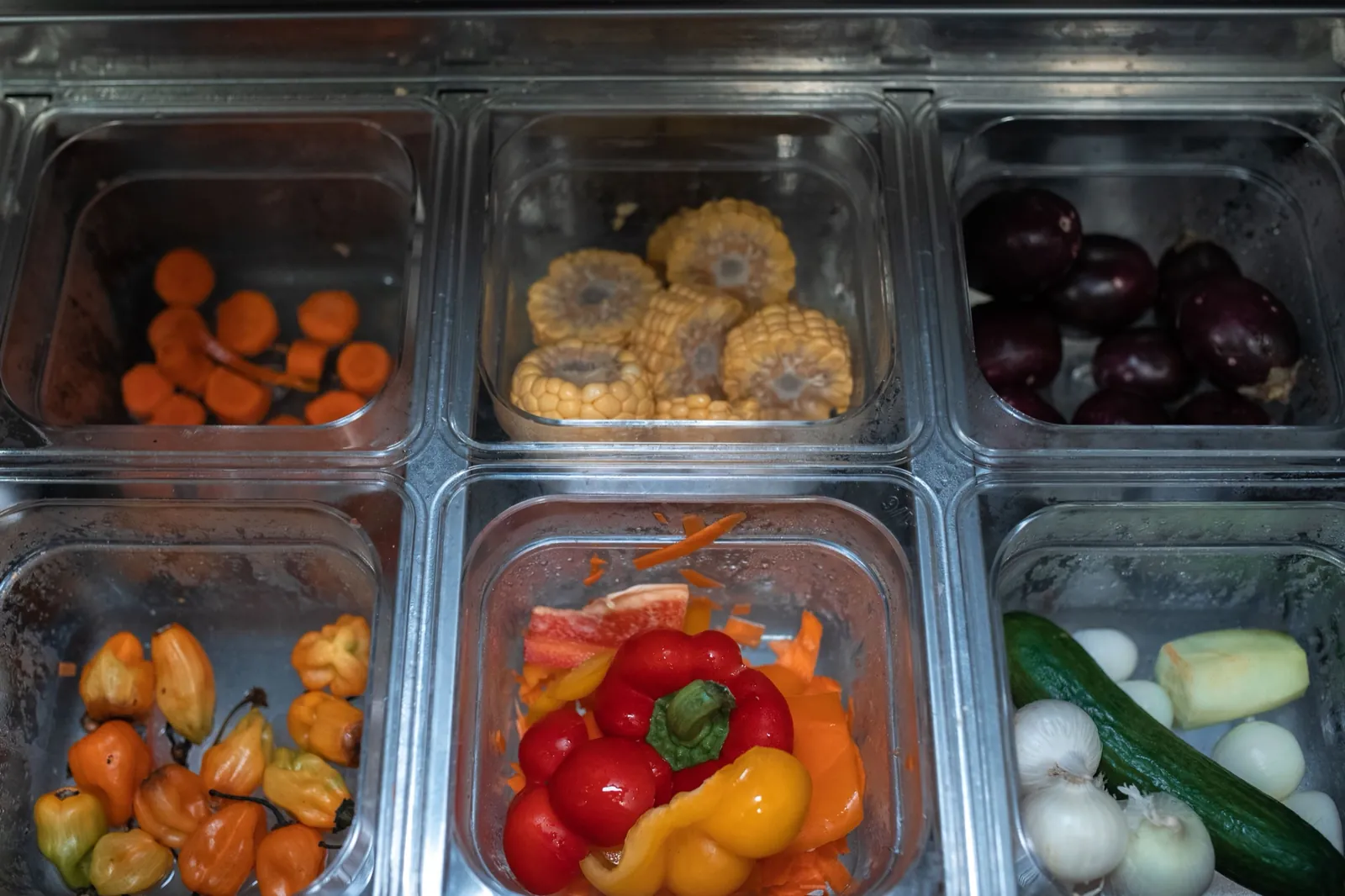
Fridge temperatures and cooling logs
Staff type each reading at the fridge, and fill in the cooling log as food cools.
A reading out of range is flagged at once, and the corrective action is recorded beside it. A list can be due by 7:30am, and managers are told if it is not done.
Staff type each reading at the fridge, and fill in the cooling log as food cools.
A reading out of range is flagged at once, and the corrective action is recorded beside it.
A list can be due by a set time, such as 7:30am, and your managers are told if it is not done by then.
Software plans, priced per venue
One price per venue, with no fee for each staff member, for your records, roster, bookings and website.
Essential
A$245 a month on the yearly term
or A$295 a month with no term
The whole platform, run by you and your team.
Introductory offer: A$185 a month for your first three months
- Checklists and temperatures
- Training and documents
- The roster
- Table bookings and your website
No set limit* on team member accounts, and no fee per staff member.
Prices are in Australian dollars. Compare the plans*Fair use: accounts are for the venue's own staff, and we may ask about unusual volumes.
Ready when an inspector asks
Every change kept
Every change to a record is kept in its history, with who made it and when.
One dated pack
For the dates an officer names, print the records or save them as one dated pack.
Licences and reports in folders
Licences, certificates, policies and pest control reports, each with its expiry date. A deleted file waits 180 days in the Recycle bin.
Moving off paper
Your checklists can follow the paper sheets you use now, in the same order, and you can move across one list at a time.
Paste or photograph a paper list, and the AI Assistant sets it up for you to approve.
A check not done stays on Today's Tasks, and is marked missed once the day has passed.
Incidents, and the allergens in every dish
Log an incident with its photos as it happens, and close it once it is dealt with.
Keep the allergens in each dish on your menus in the same place, so anyone on shift can look them up when a guest asks.
The rules for your state
For every state and territory: who registers your venue and the supervisor rule, with its official pages.For every state and territory: who registers your venue and the food safety supervisor rule, each with its official pages.
The week's roster, published to your team
Build the week yourself or let Auto fill draft it. The issues button shows where it breaks a rule.
Build the week yourself or let Auto fill draft it, and publish it when it is ready. The issues button shows where it breaks a rule, such as a day longer than the award allows.
Timesheets ready for payroll
Staff clock in and out in the app, and you approve each day's hours.
See the estimated cost from your own pay and penalty rates, and send timesheets to Employment Hero or export a spreadsheet for any payroll.

On their own phones, or one tablet on the counter
Staff confirm their shifts, say when they cannot make one, and swap with a colleague.
On a shared tablet, each check asks who did it, and the person types their four digit PIN.
Each person can use the app in English or Chinese.
- Available on Google Play
- On iPhone, open it in Safari.
Training modules and onboarding checklists
Training modules
Give each person their modules, with videos, quizzes and policies to sign. The register shows who has finished and who is overdue.
Onboarding
Invite a new starter by email. They fill in their details and work rights, and work through the checklist you give them on their phone. You check their work rights and approve it.
Bookings and a website for your guests
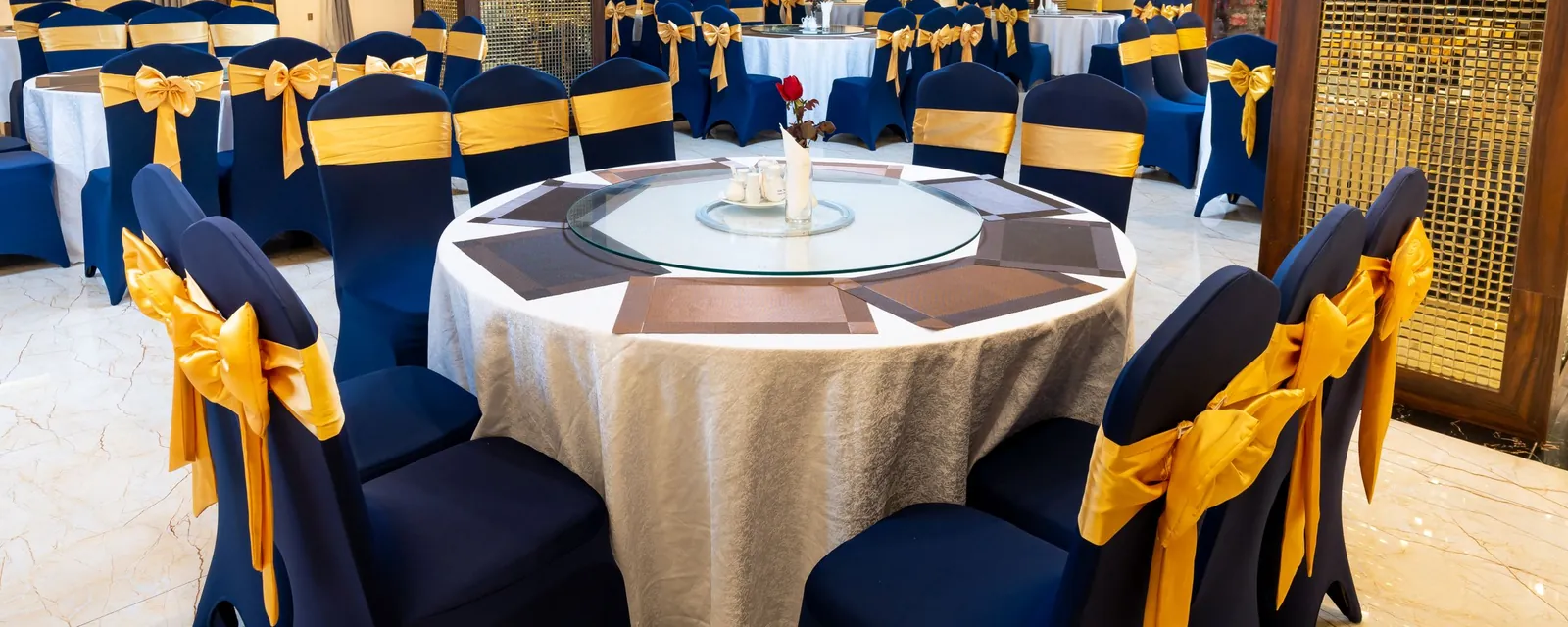
Essential and Guardian both include table bookings and your own website, run from the same account as your records and your roster.
Guests book a table from your own booking page
A guest picks the number of guests, the day and a time, and is emailed in your venue's name when they book, before they come and if they change or cancel.
Print a QR poster that opens your booking page.
Ask for a card through your own Stripe or Square account. It is charged only after a no show or a late cancel.
With bookings on, the roster can ask for one more person on a job for every so many guests booked.
Print a QR poster that opens your booking page.
Your team sees the day's bookings in the Diary, a day, a week or a month at a time.
You can ask for a card when a guest books, through your own Stripe or Square account. Nothing is charged when it is saved, and your team can charge it only after a no show or a late cancel.
With bookings on, the roster can ask for one more person on a job for every so many guests booked.
Every table on your own floor plan
The Tables view draws your room, each table with its state, and the arrivals beside it.
Mark a party as arrived, or seat a walk in at a free table. Only the account holder changes the floor, the services and the booking rules.
A website for your venue, built in the app
The AI Assistant makes the pages with you, or you build them yourself, and you turn each on when it is ready.
The AI Assistant makes the pages with you, or you build each page yourself. Add your opening hours, your menu, a booking form and forms for feedback. Each page has its own address, and you turn it on when it is ready. A booking made on your website is emailed to the guest like any other.
Scan to see a venue website made with Hospitality Shield
Ask for a change in your own words
The AI Assistant answers questions on the rules and your records, and can make a change for you. Nothing is saved until you press Accept.
Ask it how to do anything in the app, and it walks you through it.
The AI Assistant answers questions about the food safety rules and your own records, and it can make a change for you, such as building your website, setting up a booking page or moving a booking. It writes the change out first. Nothing is saved until you press Accept.
Ask it how to do anything in the app, and it walks you through it.
If your venue needs a written food safety program, it can draft one from your own records for you to check. Your council may still need to approve it.
Notices, the calendar and the dashboard
Team notices
Send a notice to your staff, ask them to confirm they have read it, and see who has.
Calendar
Document expiry dates and corrective action due dates on one calendar, month by month.
Dashboard
What needs you now and how today's checks stand, on one screen.

Founded in Perth by Caleb Azuka
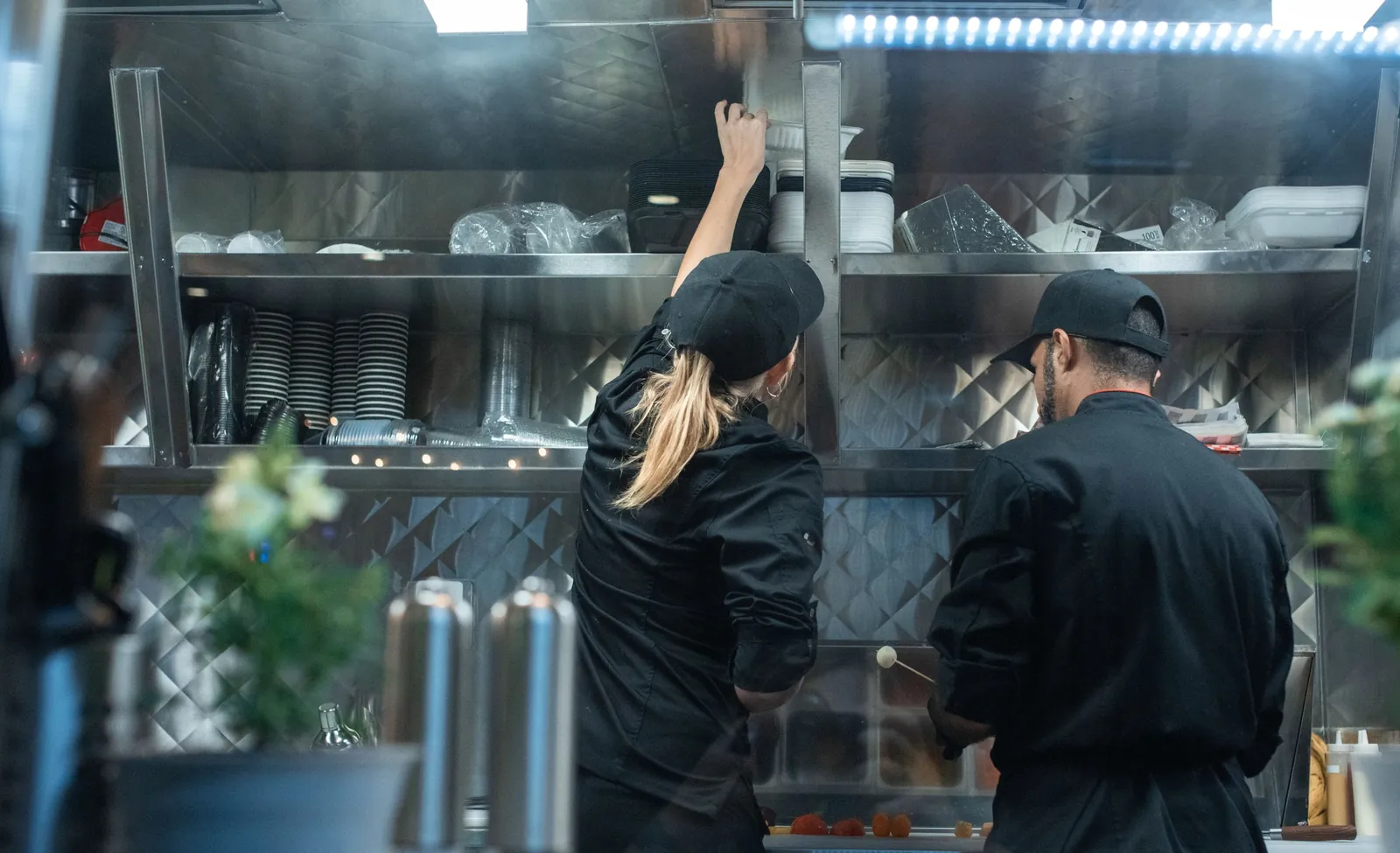
Caleb spent more than 15 years in Western Australian hospitality before he built Hospitality Shield. He saw how much time good venues lose to paperwork, and how easily a missed record turns into a compliance problem, so he built one place to keep those records. On the Guardian plan, our compliance support officers review each venue's records.
Your records, kept safe
- Your records are held in Sydney.
- Photos, documents and training videos you upload are stored in the Asia Pacific region, which may be outside Australia, with copies kept in Sydney.
- Daily records are never deleted. One that is undone is kept, with who undid it and when.
- We never see or store your card number.
For your kind of venue
Each venue keeps its own records, team and plan. A group login sees every venue's records, missed checks and team in one place, sets master checklists that each venue keeps in step, copies training to each venue, and can pay their bills. We set it up with you, so talk to us about a group.

Questions owners ask first
- How does the free trial work?
- The trial is for Essential and starts when you add a card. Nothing is charged for 30 days, then Essential is charged unless you cancel. One trial per business. It has 10 team member accounts and 10 GB of storage, and the assistant answers questions and makes changes.The trial is for Essential, and starts when you add a card. It runs for 30 days and nothing is charged during it. When it ends, the card is charged for Essential on the term you chose, unless you cancel first. There is one free trial per business. During the trial you have 10 team member accounts and 10 GB of storage. The assistant answers questions and makes changes.
- What will an inspector ask to see?
- The records for the dates the inspector names, such as temperature, cooling and cleaning records, at the premises while you are operating.
- What do staff need?
- Their own login, and the app from Google Play or a web browser on any device. You choose what each person can see.Their own login, and either the Hospitality Shield app from Google Play, or a web browser on any phone, tablet or computer. You choose what each person can see.
Try Essential free for 30 days
Set up your lists and your team this afternoon, and tomorrow's opening checks are recorded as they are done.
Nothing is charged for 30 days. Add a card to start.